
Download DOC Regenerator – document recovery, Word document recovery, recover deleted files, recover overwritten files, recover corrupted files
Overview
DOC Regenerator is a specialized tool designed to recover Microsoft Word documents that have become corrupted, accidentally deleted, or overwritten. Its primary purpose is to restore lost data by accessing raw disk sectors where file fragments are stored, offering a deeper recovery method than standard file recovery utilities. This makes it particularly valuable for users who rely heavily on document integrity, such as professionals, students, and content creators who may face sudden data loss due to software crashes, system errors, or accidental actions.
The app addresses a critical need in the digital workspace: the irreversible loss of important documents. By targeting the underlying storage structure rather than relying solely on file system metadata, DOC Regenerator increases the likelihood of successful recovery even in severe corruption cases. It is especially useful when conventional recovery tools fail, providing a second line of defense for data preservation.
While the developer, DOC Regenerator, is listed, no additional background or corporate details are available. The application was released in 2006, indicating it has been in use for over a decade, which may suggest stability and long-term functionality. Despite its age, it remains relevant in the productivity software space due to its unique recovery methodology. Real-world use cases include recovering thesis drafts, business reports, legal documents, and personal writings that were lost due to system failure or user error.
Key Features & Functionality
- Advanced Recovery Method: DOC Regenerator uses a low-level disk scanning technique to extract content from raw sectors of the hard drive. This method bypasses corrupted file headers and enables recovery even when the file system cannot locate the original document.
- Overwritten Document Recovery: The software can detect and reconstruct documents that were overwritten by new data. It scans for residual fragments and reassembles them into a usable format, minimizing data loss in cases of accidental overwrites.
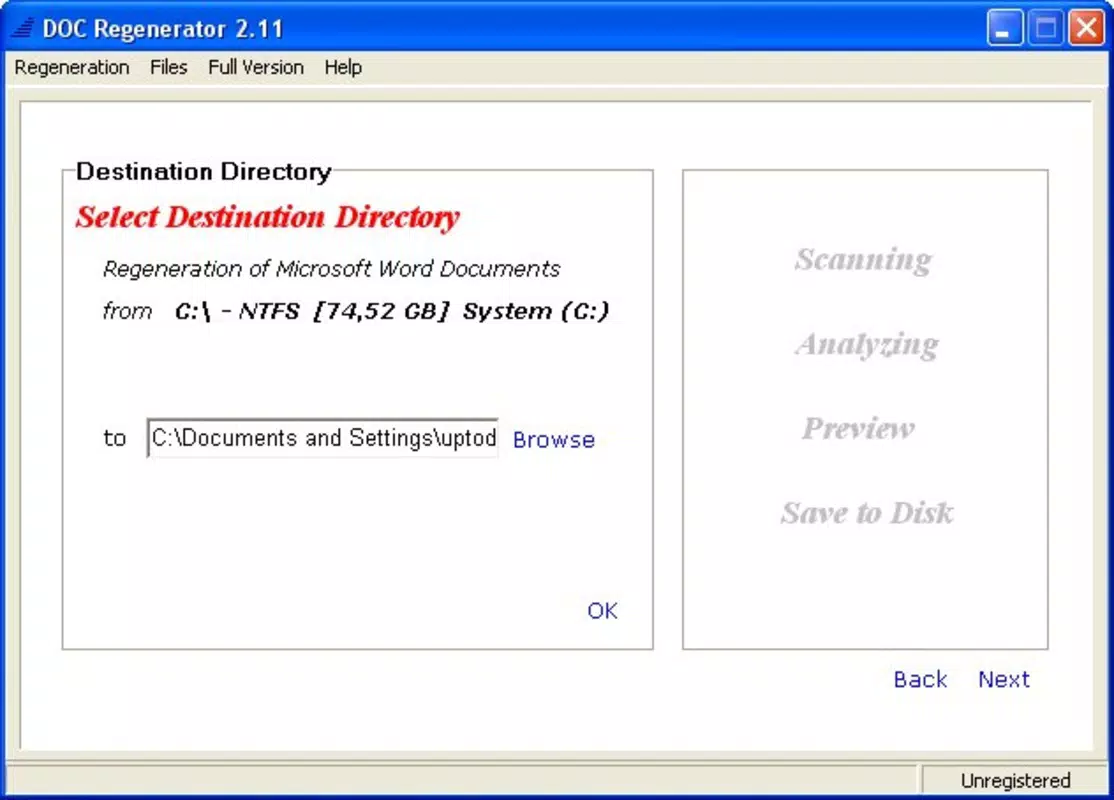
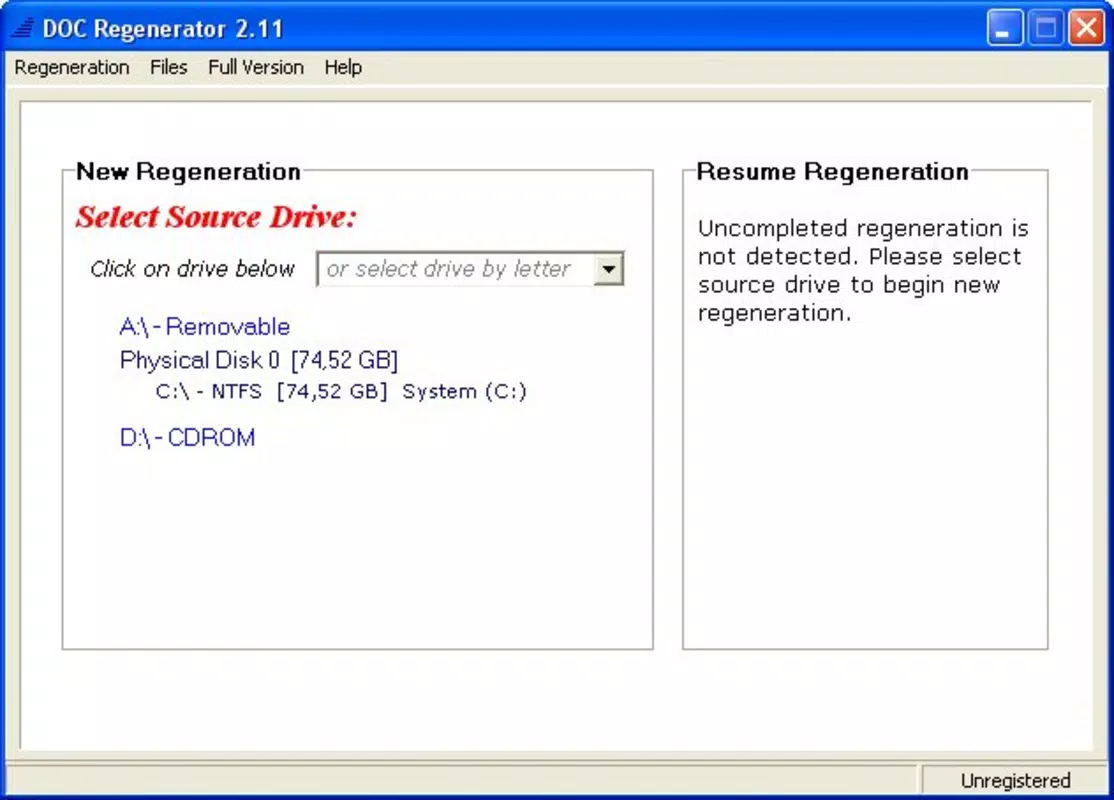
- User-Friendly Interface: The application features a straightforward layout with clear navigation and step-by-step instructions. This design ensures that users without technical expertise can perform recovery operations with minimal confusion.
- Comprehensive Support: DOC Regenerator supports multiple versions of Word documents, ensuring compatibility across different file formats. It also provides technical assistance to guide users through the recovery process, enhancing usability and reliability.
- Versatile File Recovery: Beyond Word documents, the tool can recover a range of file types, increasing its utility as a general-purpose recovery utility for users managing diverse digital assets.
For example, a student who accidentally overwrote a semester-long research paper may use DOC Regenerator to scan their hard drive and recover a usable version. Similarly, a business professional who lost a client proposal due to a corrupted .doc file can leverage the app’s sector-level scanning to retrieve critical content.
Interface, UX & Performance
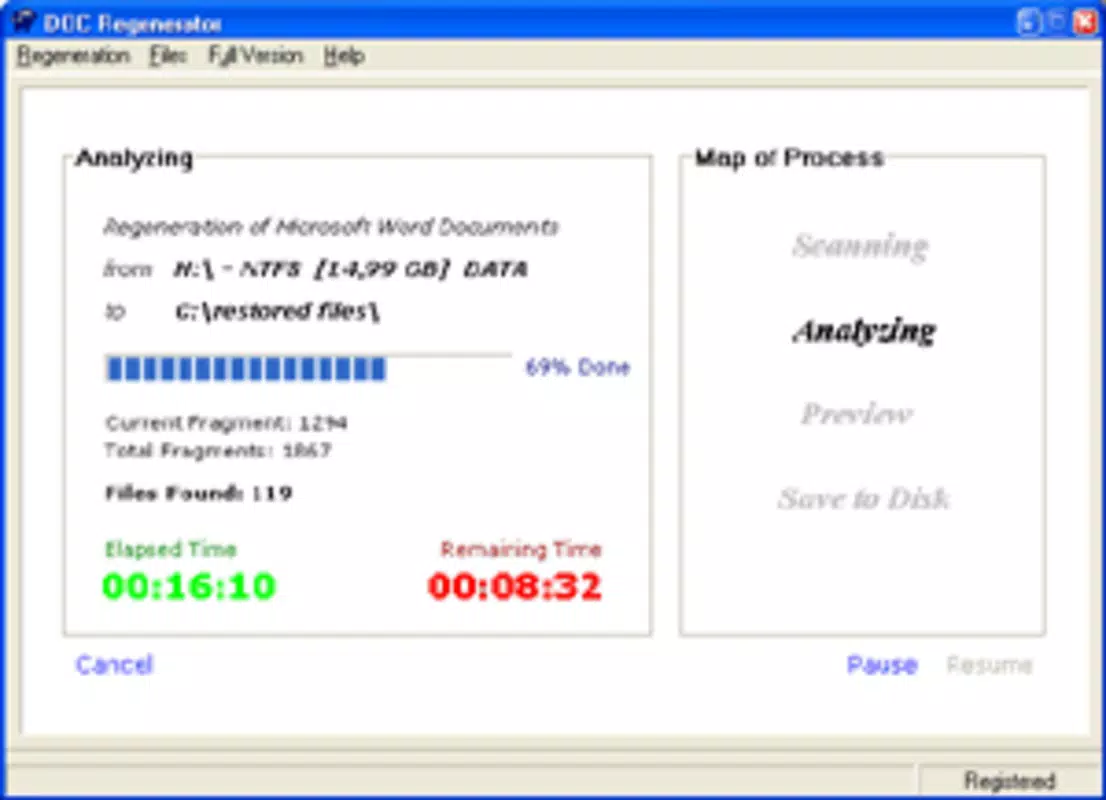
DOC Regenerator presents a clean and minimalistic interface focused on functionality. The layout is organized around core recovery actions, with clearly labeled buttons and progress indicators. Navigation is linear and intuitive, guiding users through the recovery process without unnecessary complexity.
The user experience is designed with accessibility in mind, making it suitable for both novice and experienced users. Although the developer did not list formal performance metrics, the application’s lightweight size of 1.2 MB suggests efficient resource usage. It is likely optimized for older Windows systems, consistent with its 2006 release date.
Performance on modern hardware is not specified, but the app’s low file size and minimal system footprint indicate it should run smoothly on a variety of devices. Responsiveness and stability are expected to be reliable, given the app’s long-standing presence. However, compatibility with newer Windows versions may require additional testing, as the developer did not provide updated system requirements.
Platform Compatibility & Technical Requirements
DOC Regenerator is designed for the Windows platform and is available as a standalone executable. The current version is 1.0.0, with a file size of 1.2 MB. The app is priced at $29.99, reflecting its specialized functionality.
Although the developer did not specify minimum OS requirements, the application’s release date of 2006 suggests it was originally built for Windows XP or earlier. Users on modern Windows systems (such as Windows 10 or 11) may encounter compatibility challenges, particularly with security restrictions or file access permissions.
Specific hardware or software prerequisites were not listed. Therefore, users should proceed with caution when installing on newer systems and consider running the application in compatibility mode if necessary. No mobile or cross-platform availability was indicated.
Pros and Cons
Pros
- Effective recovery of severely corrupted Word documents using low-level disk scanning.
- Capable of recovering overwritten and deleted files through sector-level analysis.
- Simple, intuitive interface suitable for non-technical users.
- Supports multiple versions of Word documents and various file types.
- Lightweight application with minimal system resource usage.
Cons
- Release date of 2006 raises concerns about compatibility with modern Windows systems.
- No official support for macOS, Linux, or mobile platforms.
- Price point of $29.99 may be considered high for a legacy tool with limited updates.
- Developer did not provide detailed technical specifications or system requirements.
- Compatibility with newer file systems or encrypted drives is not confirmed.
FAQ
Is DOC Regenerator safe to use?
The application is designed to read disk sectors without modifying data, making it safe for data recovery purposes. However, users should avoid saving recovered files to the same drive to prevent overwriting original fragments.
Can DOC Regenerator recover files from external drives?
Yes, the tool can scan external storage devices such as USB drives and external hard disks, provided they are accessible by the operating system.
Does DOC Regenerator work on Windows 10 or Windows 11?
Compatibility is not officially confirmed. Users may need to test the application in compatibility mode or consult technical support for guidance.
How long does the recovery process take?
Processing time varies based on the size of the drive and the number of files being scanned. Larger drives or heavily fragmented data may require more time.
Is technical support available?
Yes, the software includes technical support to assist users during the recovery process and resolve any issues encountered.
Final Thoughts
DOC Regenerator remains a niche but powerful solution for users facing the loss of critical Word documents. Its ability to recover files from disk sectors sets it apart from standard recovery tools, especially in cases of severe corruption or overwrites. While its age and lack of modern updates present potential compatibility concerns, its core functionality remains relevant for those in need of deep-level data recovery.
Professionals, students, and anyone handling sensitive or irreplaceable documents will benefit most from this tool. Its low system footprint and straightforward interface make it accessible even on older hardware. Despite its price, the value lies in the potential to recover hours, days, or even months of lost work.
For users who have experienced data loss and are seeking a reliable recovery method, DOC Regenerator offers a proven, if outdated, solution. Download DOC Regenerator now


